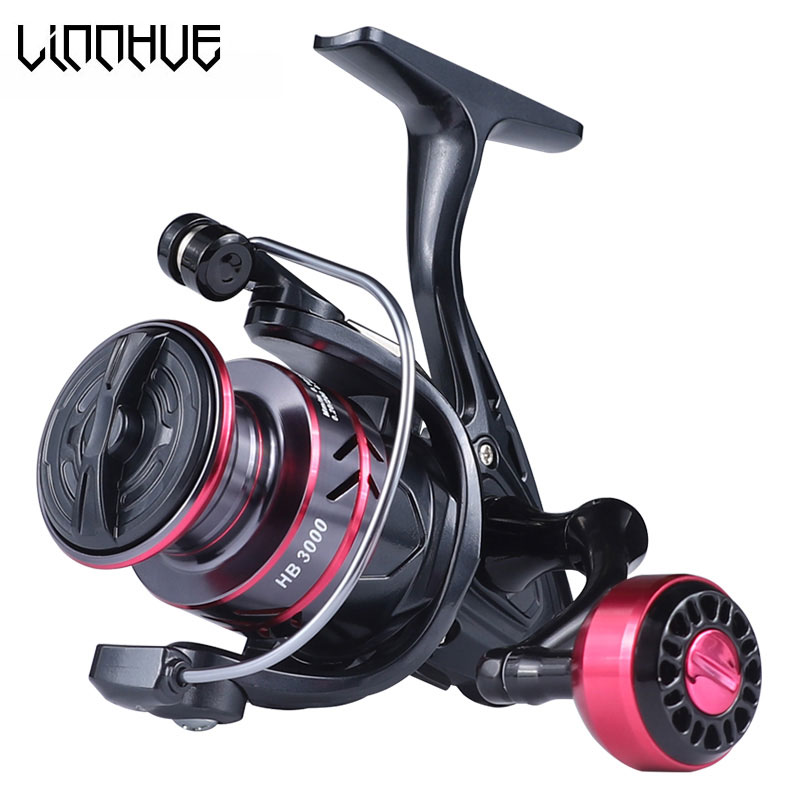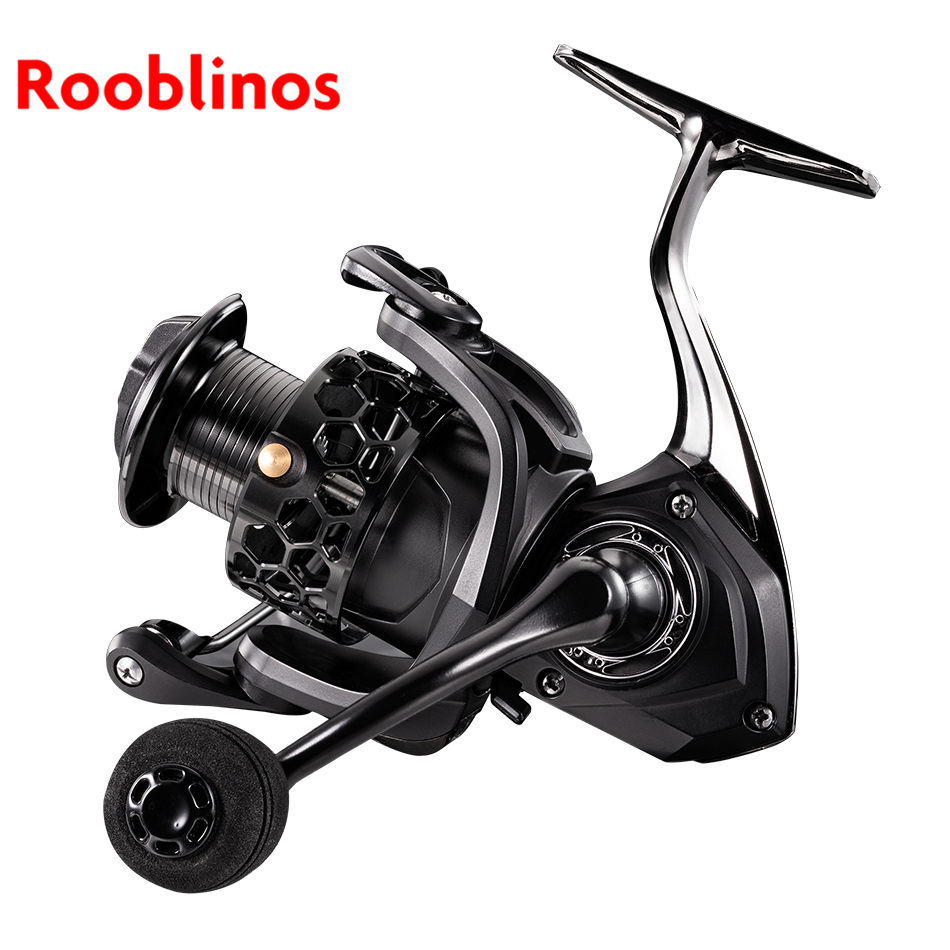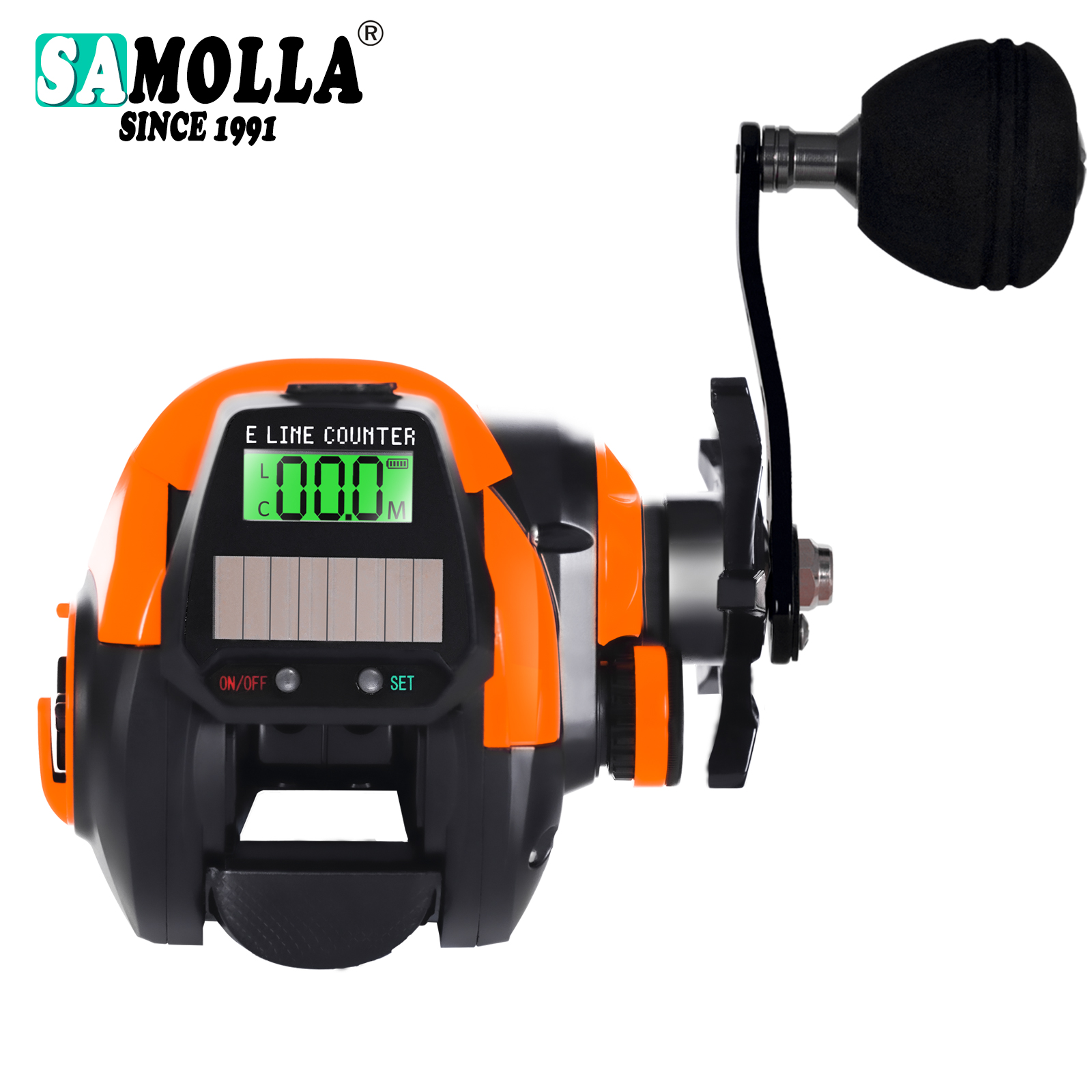
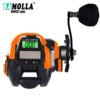
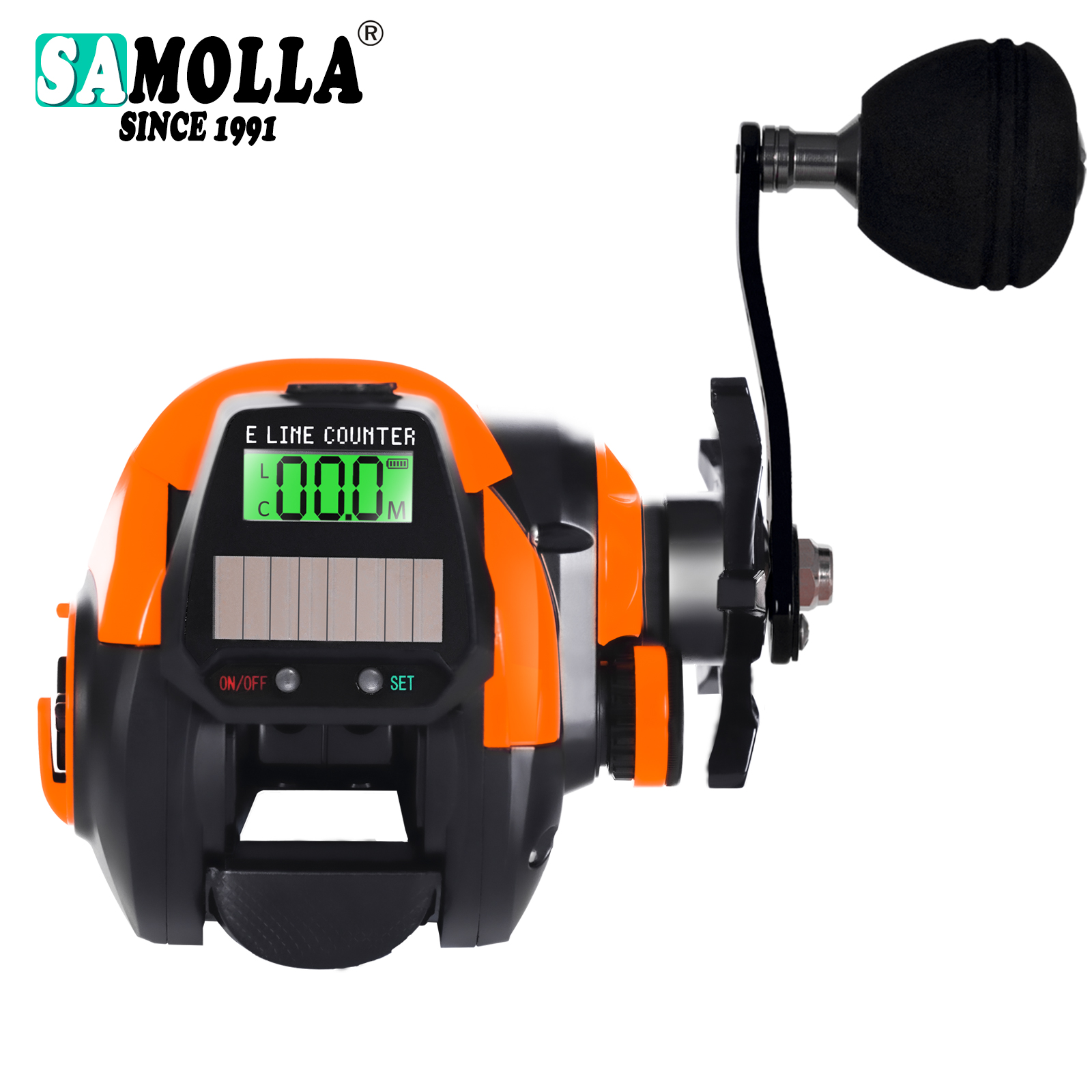


Solar Digital Display Water Droplet Deep Line Cup Solar Charging Sea Fishing Wheel Raft Fishing Bridge Fishing
Features:
* Bite alarm: press “SET” once to enter bite alarm mode, screen flashes alarm sounds when fish bites.
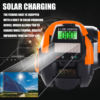
* Double power supply: USB charging and solar panel.
* 7 + 1 stainless steel ball bearings, gear ratio: 7.2:1.
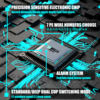
* 10 magnetic beans, 12-gear magnetic brake, max braking force: 10kg / 28lb.
* Balanced aluminum handle with rubber knob.
* Compact, low-profile design makes this reel a good tackle for anglers.
Specification:
Type: Solar Digital Display Water Drop Wheel
Material: Nylon, Aluminum Alloy
Bearing: 7+1BB
Transmission Ratio: 7.2:1
Braking Force: 10KG
Weight: 249g
Line Capacity (mm/m): 0.26mm/210m, 0.28mm/180m, 0.30mm/140m
Fishing Places: Rivers, Lakes, Reservoirs, Offshore, Etc.
Package Contents:
1pc x Solar Digital Display Water Drop Wheel
Description:
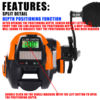
* Depth positioning memory: Conveniently records the depth of the bait’s arrival and more accurately locates the fish layer. After the depth memory is turned on, the letter “L” is displayed in the upper left corner, and when the bait reaches the memory depth, a beeping alarm sound will sound.
*Solar digital water drop wheel analysis: Magnetic Brake 0utlet Hole, System ELINECOUNTER, Star Drag High Strength Grip, Cast Control Knob
* Precision and sensitive electronic chip: record the distance between the on-line and outgoing lines/middle fish alarm, 7 PE line numbers to choose from: 0.8/1.0/1.2/1.5/2.0/3.0/4.0
* Alarm system: Fish bite hook screen flashes and makes a sound
* Depth positioning memory function: record the arrival depth of bait and accurately locate the fish layer
* 0-12 Infinitely Variable Speed Adjustment
* 10 Magnetic Beans: New generation micro hagnetic brake system for accurate control, 10 magnetic beans placed toop-timize the magnetic affect on the portedalu spool, offers u imate casting control.
* 7.2:1 High Gear Batio, Stronger drive gear passivated for biggest power
* Rea-Time Control of Outgoing Line Distabce, Notletting Go Of Evely Outgoing Line
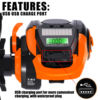
* Built-in Solar Panel USB Charging Interface: USB charging port for more convenient charging, with waterproof plug
* Upgraded Tapered Cable Outlet: Less Friction Cons, Funnel shaped line guide, greatly reduces line friction iving yousuper long casts
* Alarm Flashing Device: After the fish alarm is turned on, the letter C is displayed in the lower left corner. Under normal working conditions, short press the setting button on the right to set the hook alarm. “C” is displayed on the screen, indicating that the hook alarm is turned on. The buzzer will sound after the fish bites the hook. It chirps automatically and the indicator light flashes continuously. After the alarm lasts for 6 seconds, the screen returns to normal
* The screen of fish dragging line starts flashing Sound an alarm The screen flickers for about 6econds 2-tone alarm automatically recovers
Instructions for use of solar model digital display:
1. On/off operation:
Press and hold the left button for 2 seconds to shut down, and press and hold the left button for 2 seconds to turn on. In the turned on state, it will automatically shut down and enter a low-power power-saving mode if there is no operation within 30 minutes.
2. Settings:
01. In the power-on state, press and hold the setting button on the right side for 2 seconds to enter the thread cup setting state. The display status is as shown in Figure 2. Press the power button on the left to cycle through: thread cup H→L→H. After selecting the thread cup, press and hold the setting button on the right for 2 seconds to automatically save the selected thread cup and switch to thread number mode. (Note: H is a deep line cup, L is a regular cup)
02. In the power-on state, long press the right setting button for 2 seconds to enter the PE line number setting, line number setting mode, the default line number is 1.5, press the left power button to cycle through: PE line 0.8→1.0→1.2→1.5 →2.0→3.0→4.0, after selecting the wire number, press and hold the right setting button for 2 seconds to automatically save the selected wire number and switch to the wire winding mode.
03. Wire wrapping mode, in which the length of PE can be wrapped as needed,
Line 0.8: 250 meters
Line 1.0: 220 meters
Line 1.2: 200 meters
Line 1.5: 170 meters
Line 2.0: 120 meters
Line 3.0: 080 meters
Line 4.0: 060 meters
During the winding process, the number will show the actual winding length. After winding the thread, press and hold the setting button on the right side for 2 seconds to automatically save the length of the wrapped thread and switch to the normal working mode.
Note: “m” flashes every 0.5 seconds in thread wrapping mode
3. Retracting and unwinding line in normal working state:
01. Under normal working conditions, double-click the switch setting button on the left to clear it.
02. Under normal working conditions, short press the setting button on the right to set the hook alarm. “C” is displayed on the screen, indicating that the hook alarm is turned on. After the hook is hooked, the buzzer will sound automatically and the indicator light will flash continuously.
03. Turn on the memory function: Under normal working conditions, quickly double-click the switch setting button on the right to save the current outgoing line meter, and “L” is displayed on the screen. It should be noted that the outgoing line meter must be greater than 3 when setting the outgoing line alarm. Otherwise, the setting is unsuccessful (the buzzer beeps twice). And after each alarm, the meter of the outgoing line must be less than one meter of the set meter. For example: the current set meter is 5 meters, and the automatic alarm buzzer will sound 2 when the outgoing line reaches 5 meters. times, at this time, the take-up line must receive 3.9 meters before the outgoing line alarm can be automatically turned on again.
4. Battery reminder:
During use, if the display shows “1”, it means that it needs to be charged immediately and the power is not enough.
5. Charging:
Plug in the charging source. If the charging indicator light is on, it means charging is in progress. If the indicator light goes off, it means charging is complete. (Note: You cannot use the power display icon on the display to determine whether it is fully charged during charging.)
6. Background lighting:
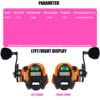
In the powered-on state, short press the left button to turn the background light on or off. When the backlight is on, if there is no operation within 10 seconds, the backlight will automatically turn off to save power.
Notes:
1. Due to various factors such as monitor brightness, light brightness, etc., the actual color of the product may be slightly different from the picture displayed on the website.
2. Please allow for slight manual measurement deviations in the data.


4 GREAT REASONS TO BUY FROM US:
- Over 37,000 happy customers worldwide
- Real people on our support team ready to help
- The finest materials and stunning design — all our products are developed with an obsessive dedication to quality, durability, and functionality
- We use the most secure online ordering systems on the market, and are constantly improving our software to make sure we offer the highest possible security

BUY WITH CONFIDENCE
Our mission is to make your shopping experience as safe and enjoyable as possible. Have questions? Feel free to contact our award-winning customer care team for advice on everything from product specifications to order tracking.
- Money back guarantee: Something not quite right? If you’re not totally satisfied with your purchase, you can return it within 15 days for a full refund
- Risk-Free Purchase: We utilize industry-standard Secure Sockets Layer (SSL) technology to allow for the encryption of all the sensitive information, so you can be sure your details are completely safe with us
- Trustworthy payment method: We partner with the most popular online payment solutions that guarantee enhanced security and fast transaction processing