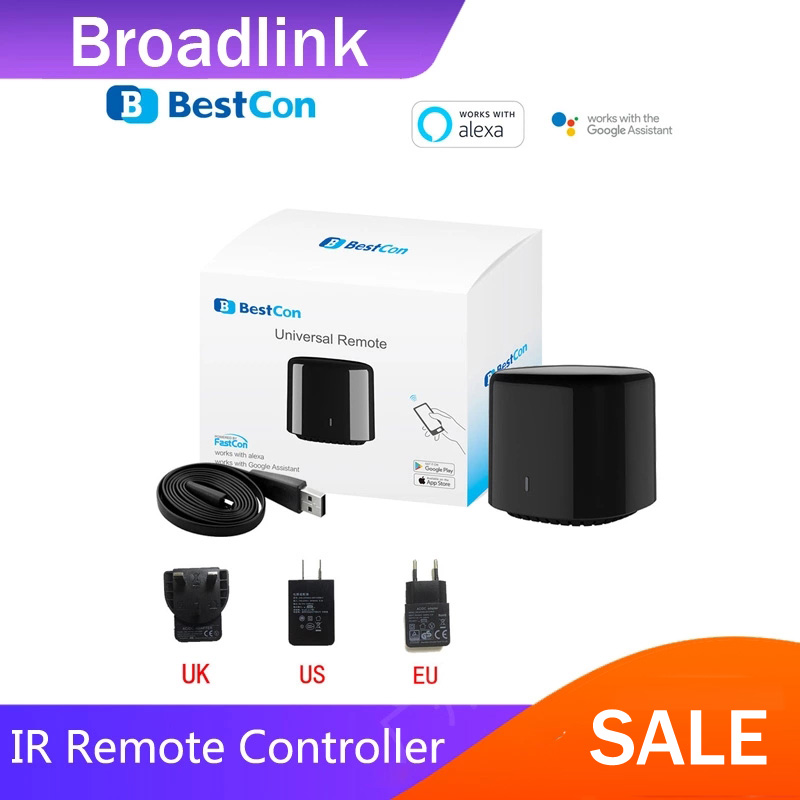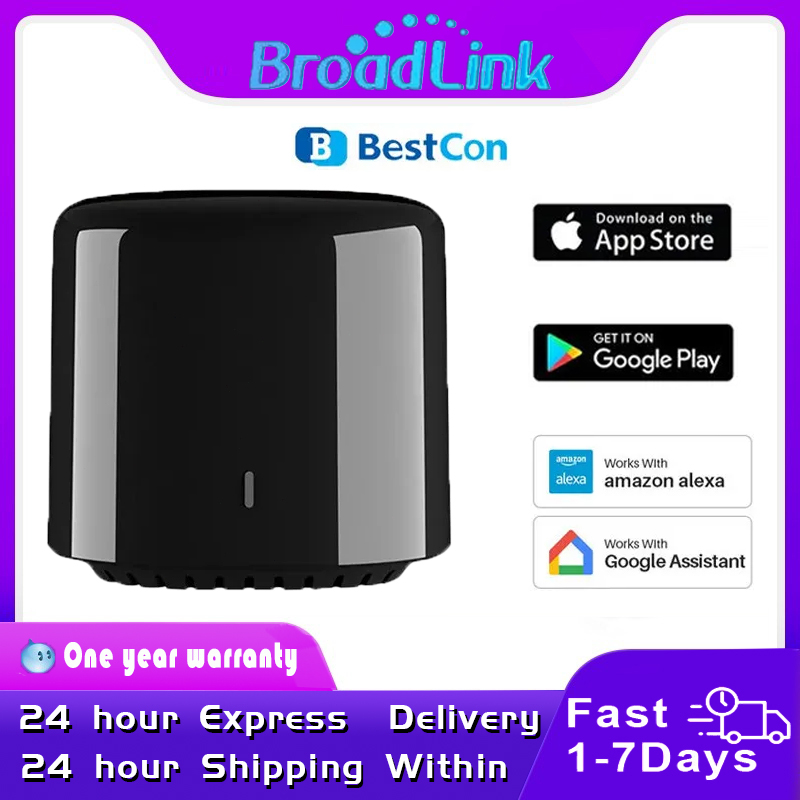
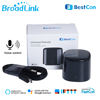
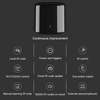
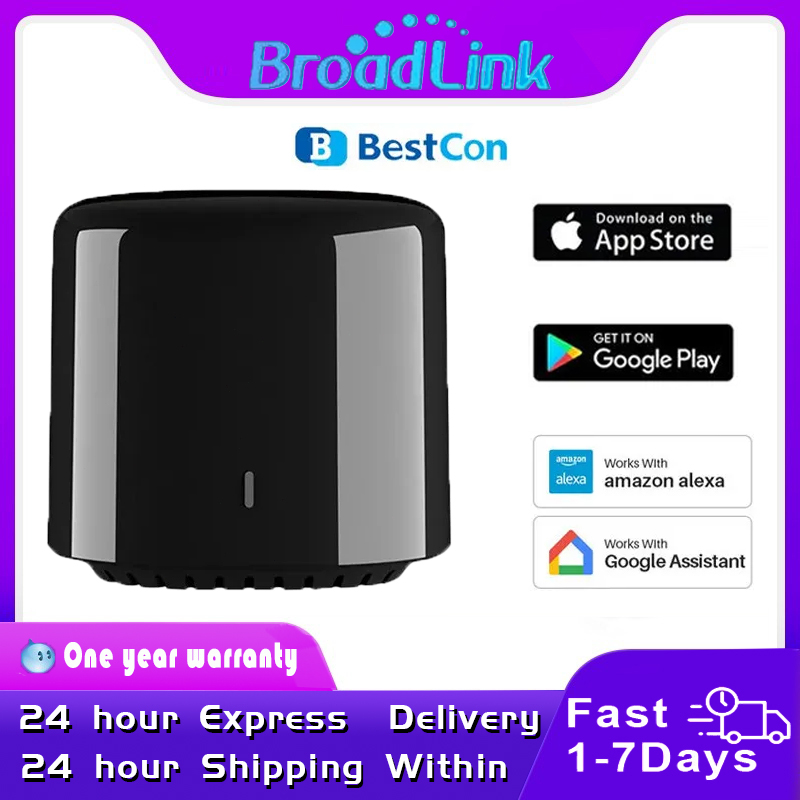


Broadlink Rm4c Mini WIFI IR Universal Smart Home Remote for Air Conditioner TV Voice Control by Alexa Google Home
【Voice Control】Compatible with Alexa and Google Home to voice control your TV, Air Conditioner.
【APP Control】 Control IR appliances with IHC App anywhere anytime ( Turn off the 5G hz wifi if there is one.Please use 2.4 GHz Wi-Fi). Set up timers to turn on/off appliances at a specific time or customize scenes with multiple devices. Turning your basic home devices into smart devices and making life smarter and more convenient.
【Compatibility】Large IR database that over 98% IR remote function. Supports 50,000+ IR (IR only, no RF, compared with RM PRO) controlled devices, including your TV, DVD, audio, Air Conditioner, satellite, PVR and more o ption to program your devices features if certain cloud data is unavailable.
【Scheduled Feature】Enable and schedule features on a daily basis and customizable for your needs.
Factory standard package is with cable, not plug.
you can use your cell phone plug, or buy in our store, so can it send to you together.
Open the BroadLink App — My home — Add Device — Add a new device — Universal Remote — RM4mini
When the App enters the configuration mode, first connect the power supply of the controller and make sure the controller is in the pairable state, which is indicated by the blue light flashing. Note that this process may take several tens of seconds. If you fail to operate in time and exit the pairing mode, just unplug the power supply and reconnect it.
Once the controller is in the pairable mode, you can fill in the Wi-Fi information on the mobile phone to pair.
Please note, and this is very important, this device only supports 2.4G wireless signals and does not support 5G.
Repeat this important point three times: only supports 2.4G, does not support 5G, only supports 2.4G, does not support 5G, only supports 2.4G, does not support 5G.
Please go to the system Settings of your phone, connect your hand to the 2.4G wifi network, and then go back to the APP and continue the configuration
Your device is connecting to the Wi-Fi network
“MOVISTAR_FBOA”
Your phone is connecting to the Wi-Fi network
“MOVISTAR_FBOA”
Your phone is connected to the Wi-Fi network
“MOVISTAR_FBOA”
The app is requesting a device with a
BroadLink WiFi_Device AP
1. Switch your phone to the Wi-Fi network for devices
intelligent in system configuration. Next
back to the BroadLink app and back to the page
“Add device”. The device will be detected
automatically and you will be asked from below.
2. If you have more than one router in your home, turn off others
not from the smart device and resume the
Feeding after completion
configuration of the device.
Enter the Wi-Fi password of the device network to quickly configure
After filling in, click the “Configuration” button below to start the configuration, which will take about two to three minutes
After the configuration is successful, you can see that the control center has already been displayed in the App


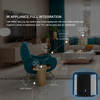
IR APPLIANCE,FULL INTEGRATION
With RM4C mini, you can control your home appliances with
your mobile phone and support a variety of appliances
such TVs, set-top boxs, and air conditoners

REMOTE CONTROL
If you are not at home, you can also turn om/off Home appliance
through your mobile phone or check the status of the electrical in real time

TEMPERATURE AND HUMIDITY INDUCTION
Use with temperture and humidity external sensor to achieve IFTTT,
reflecting the thoughtflness of smart devices

Zero Configuration
Zero Configuration is powered by FastCon technology
The first FastCon device needs to be configured to network as usual (refer to “Add Device”)
When you power on a new FastCon device,it will be automatically discovered and shown in App.
Please follow the prompt in App to accept and add the device.
Works with GoogleAlexaIFTTT
Make sure the device can be remotely controlled from ecternal networks(e.g.4G)
In GoogleAlexaIFTTT App,enable the skillservice named “Broadlink”,link account and discover devices.
NOTE:
You need to discover devices again in Alexa App or link account again in Google App if the device has been reset.
The supported regions,languages and voice control commands are subject to changes due to upgrading on skillsservices and policies of third-party platforms.
You can find available voice control commands in App for supported devices.
FAQS:
1. What should I do when I fail to configure the device?
Make sure your network condition is fully compliant with requirement stated in “Prepare App”.
Make sure there are not too many devices connected to router(normal home router can hold no more than 15 devices including phones, computers, smart TVs…)
Try AP configuration if it is needed.
2. Will others find my devices?
Only the user added to your home member and assigned with permission can access to authorized devices.
Important Notices:
For indoor use in dry environment only.
Keep clear space with IR appliances.
FCC Radiation Exposure Statement
Contains FCC ID:2ACDZ-BL336-P
This device complies with Part 15 of the FCC Rules. Operation is subject to the following two conditions:
This device may not cause harmful interference,and this device must accept any interference received,including interference that may cause undesired operation.


– FAQ –
Q1. Does it need to work with a specific gateway/controller?
No. BroadLink products will link to your home Wi-Fi router to work – Users do not need to purchase a specific gateway.
Q2. How to download the e-Control APP?
METHOD 1:Search “e-Control” on APP Store or Google Play, download and install the e-Control app.
METHOD 2: Scan QR code from package box / user guide or visit //upgrade.broadlink.com.cn/getapp to download and install the app.
Q3. How to protect my device and avoid being searched by others?
Only the person who knows your Wi-Fi password and connect to the same Wi-Fi is able to search the device. You can lock an enhanced security in e-Control APP.
Q4. Can I control BroadLink devices when I am away from home?
Yes. You can control the devices from anywhere at any time from your phone via Internet.
Q5. Will the device settings lost when my phone has no network connection or it is powered off?
No. Once the settings are done, the devices can work independently without the APP running on phone.
Q6. What is the difference Black Bean, RM Pro?
Thanks for your questions,they can both make your home smarter and convenient,but they have different supplier field.Black bean is an intelligent infrared remote control, which can match and control the infrared remote control such as air conditioners, TV sets,audio equipment and so on. RM Pro intelligent have both IR RF remote controller, it can not only support for infrared remote control devices, but also supports volume electric curtains, door, radio frequency RF remote control devices such as lights, door sensors,cameras,so RM Pro cost much more than black beans.
Q7. Why choose broadlink ?
+ Invested by China’s largest B2C online store JD.com (NASDAQ: JD) and China’s leading Internet security company Qihu 360 (NYSE: QIHU).
+ Out-of-the-box service with one-button configuration and kit package.
+ 24*7H ultra reliability proven by 300,000,000+ BroadLink and partner units running.
+ Powerful but FREE cloud service enabling control from anywhere.
+ Industrial first “IFTTT” style easy-to-use interaction configuration.
+ Support 315/433Mhz, ZigBee and Bluetooth connectivity
+ CE & FCC certified product quality.
Q8. What is your delivery date?
we will send the order out after payment be confirmed. all the order will be shipping out within 24 hours

4 GREAT REASONS TO BUY FROM US:
- Over 37,000 happy customers worldwide
- Real people on our support team ready to help
- The finest materials and stunning design — all our products are developed with an obsessive dedication to quality, durability, and functionality
- We use the most secure online ordering systems on the market, and are constantly improving our software to make sure we offer the highest possible security

BUY WITH CONFIDENCE
Our mission is to make your shopping experience as safe and enjoyable as possible. Have questions? Feel free to contact our award-winning customer care team for advice on everything from product specifications to order tracking.
- Money back guarantee: Something not quite right? If you’re not totally satisfied with your purchase, you can return it within 15 days for a full refund
- Risk-Free Purchase: We utilize industry-standard Secure Sockets Layer (SSL) technology to allow for the encryption of all the sensitive information, so you can be sure your details are completely safe with us
- Trustworthy payment method: We partner with the most popular online payment solutions that guarantee enhanced security and fast transaction processing