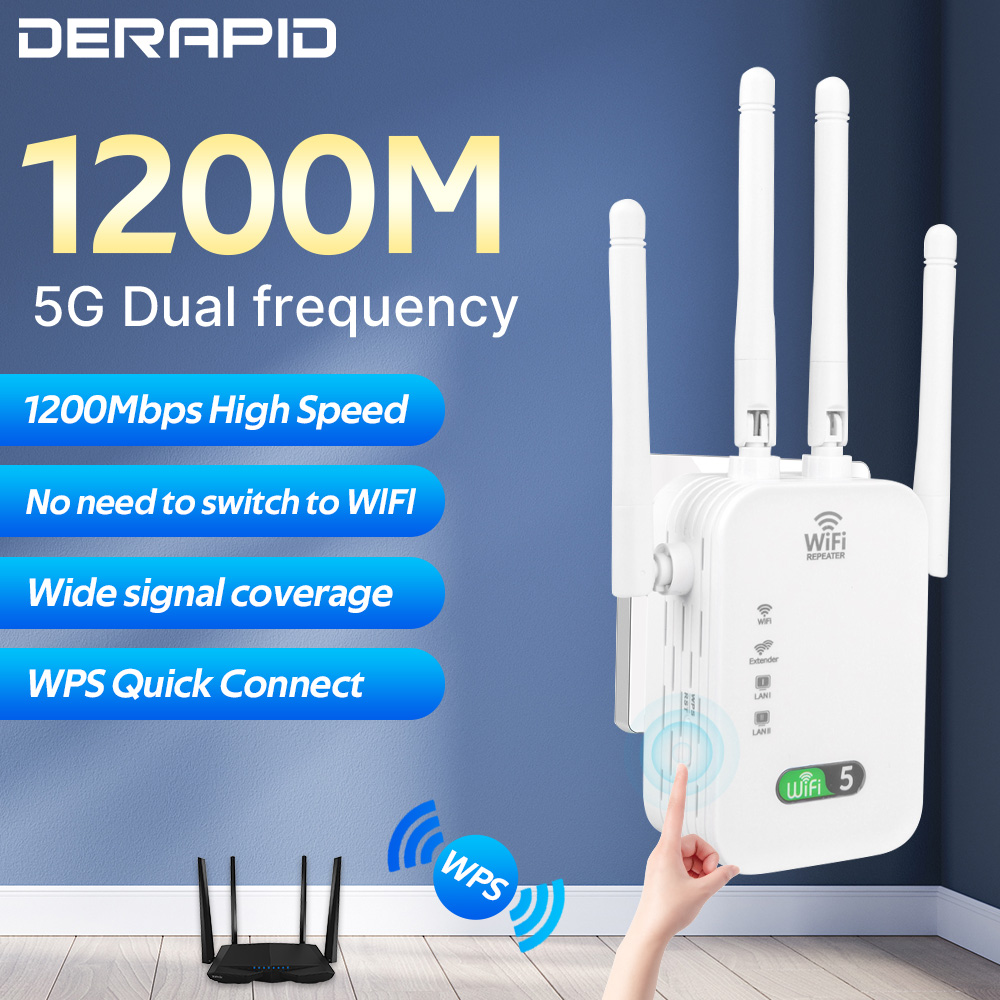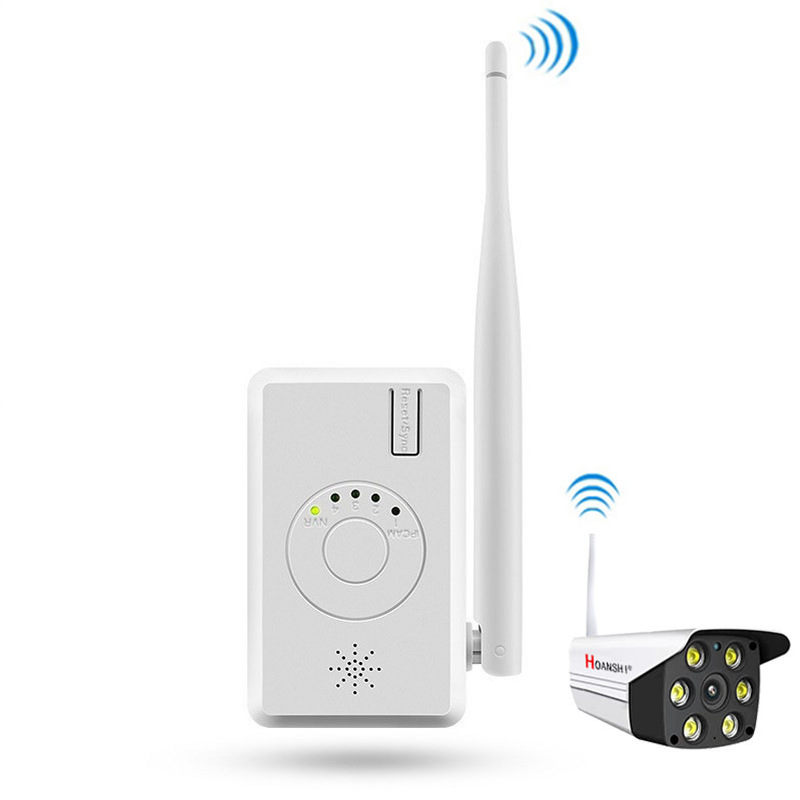


IPC Router Extend WiFi Range for Home Security Camera System Wireless ANRAN Wifi Signal Booster 2.4G Wifi IPC
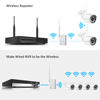
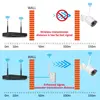
Wireless Repeater
1. Functional features:
• wireless relay function;
• IPC router function;
• wireless code matching to wireless NVR;
• network cable pair to wireless NVR;
• network cable pair code with network port wireless IPC;
• wireless pairing and wireless IPC;
• support T-mode mode;
• NVR wireless connection status indicator;
• wireless connection status indicator;
2. Specifications and parameters
model
R4S -3
WIFI
802.11b/g/n 2.4G
Number of belt conveyors
4 wireless IPC
Number of indicator lights
5 LED indicators, 4 of which indicate IPCAM connection status and 1 NVR connection
Status light
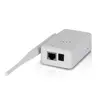
Interface type
1 x RJ45 100Mbits
Network port
Match with IPC to transmit video
1 x code matching key
Trigger code matching and reset
1 x 12V power supply
Supply power to the equipment
size
74x31x186MM3. Interface instructions
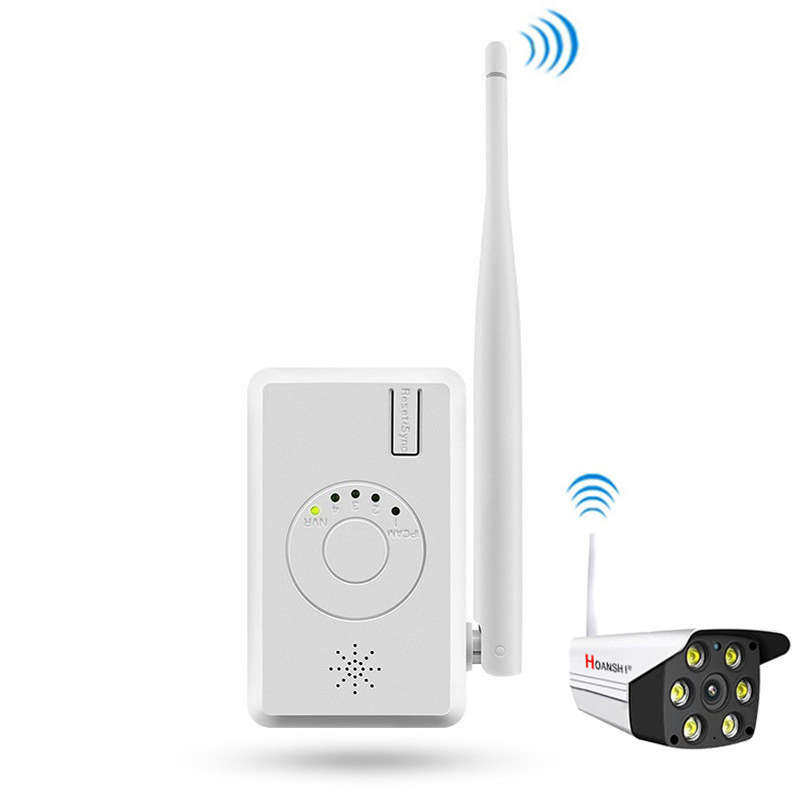
1. Code matching / reset key: trigger code matching status
Press and hold the “reset / sync” key for 3 seconds and release it (3 seconds < t < 10 seconds). The IPC router enters the code matching camera state, and all ipcams
The status lights flash at the same time
Press and hold the “reset / sync” key for 10 seconds and release it (T > 10 seconds). The IPC router enters the NVR status of wireless code matching, and the NVR status light is fast
Flash.
2. NVR status light: indicates the wireless connection status between IPC router and wireless NVR
Flash: IPC router is in code aligned wireless NVR state.
Chang Liang: the IPC router is paired and the wireless connection is normal.
Slow flash: the IPC router is paired, and the wireless connection is disconnected or not in the paired state.
Not on: IPC router equipment is abnormal and needs to be checked.
3. IPCAM status light: indicates the wireless connection status between IPC router and wireless camera
Always on indicates that a camera is connected to the IPC. Several lights indicate that several cameras are connected, and there are four ipcams in total
Status light.
Flash: flash at the same time indicates that the IPC router is in the state of code matching camera. Press and hold the “reset / sync” key for 3 seconds and release it to the IPC router
Enter the code matching camera state, and all IPCAM states flash at the same time.
4. Power supply: equipment power supply
5. Network port: connect NVR / switch
6. Antenna: transmitting and receiving wireless signals
1. Functional features:
• wireless relay function;
• IPC router function;
• wireless code matching to wireless NVR;
• network cable pair to wireless NVR;
• network cable pair code with network port wireless IPC;
• wireless pairing and wireless IPC;
• support T-mode mode;
• NVR wireless connection status indicator;
• wireless connection status indicator;
2. Specifications and parameters
model
R4S -3
WIFI
802.11b/g/n 2.4G
Number of belt conveyors
4 wireless IPC
Number of indicator lights
5 LED indicators, 4 of which indicate IPCAM connection status and 1 NVR connection
Status light
Interface type
1 x RJ45 100Mbits
Network port
Match with IPC to transmit video
1 x code matching key
Trigger code matching and reset
1 x 12V power supply
Supply power to the equipment
size
74x31x186MM3. Interface instructions
1. Code matching / reset key: trigger code matching status
Press and hold the “reset / sync” key for 3 seconds and release it (3 seconds < t < 10 seconds). The IPC router enters the code matching camera state, and all ipcams
The status lights flash at the same time
Press and hold the “reset / sync” key for 10 seconds and release it (T > 10 seconds). The IPC router enters the NVR status of wireless code matching, and the NVR status light is fast
Flash.
2. NVR status light: indicates the wireless connection status between IPC router and wireless NVR
Flash: IPC router is in code aligned wireless NVR state.
Chang Liang: the IPC router is paired and the wireless connection is normal.
Slow flash: the IPC router is paired, and the wireless connection is disconnected or not in the paired state.
Not on: IPC router equipment is abnormal and needs to be checked.
3. IPCAM status light: indicates the wireless connection status between IPC router and wireless camera
Always on indicates that a camera is connected to the IPC. Several lights indicate that several cameras are connected, and there are four ipcams in total
Status light.
Flash: flash at the same time indicates that the IPC router is in the state of code matching camera. Press and hold the “reset / sync” key for 3 seconds and release it to the IPC router
Enter the code matching camera state, and all IPCAM states flash at the same time.
4. Power supply: equipment power supply
5. Network port: connect NVR / switch
6. Antenna: transmitting and receiving wireless signals
Notice:
This WiFi Range Extender only works with the Misecu Wireless Security Camera System. Pls ensure that you already have the Misecu Wireless CCTV System before purchaseing this wifi range extender.Thanks.


4 GREAT REASONS TO BUY FROM US:
- Over 37,000 happy customers worldwide
- Real people on our support team ready to help
- The finest materials and stunning design — all our products are developed with an obsessive dedication to quality, durability, and functionality
- We use the most secure online ordering systems on the market, and are constantly improving our software to make sure we offer the highest possible security

BUY WITH CONFIDENCE
Our mission is to make your shopping experience as safe and enjoyable as possible. Have questions? Feel free to contact our award-winning customer care team for advice on everything from product specifications to order tracking.
- Money back guarantee: Something not quite right? If you’re not totally satisfied with your purchase, you can return it within 15 days for a full refund
- Risk-Free Purchase: We utilize industry-standard Secure Sockets Layer (SSL) technology to allow for the encryption of all the sensitive information, so you can be sure your details are completely safe with us
- Trustworthy payment method: We partner with the most popular online payment solutions that guarantee enhanced security and fast transaction processing